

Introduction
Remote Attestation (RA) lets a remote verifier confirm that an application runs inside a genuine TEE with the expected configuration and code. This guide shows how to access and verify TEE attestation reports in Phala Cloud.How to Get the Attestation Report
Navigate to Attestations in your CVM’s sidebar to view the full Remote Attestation report.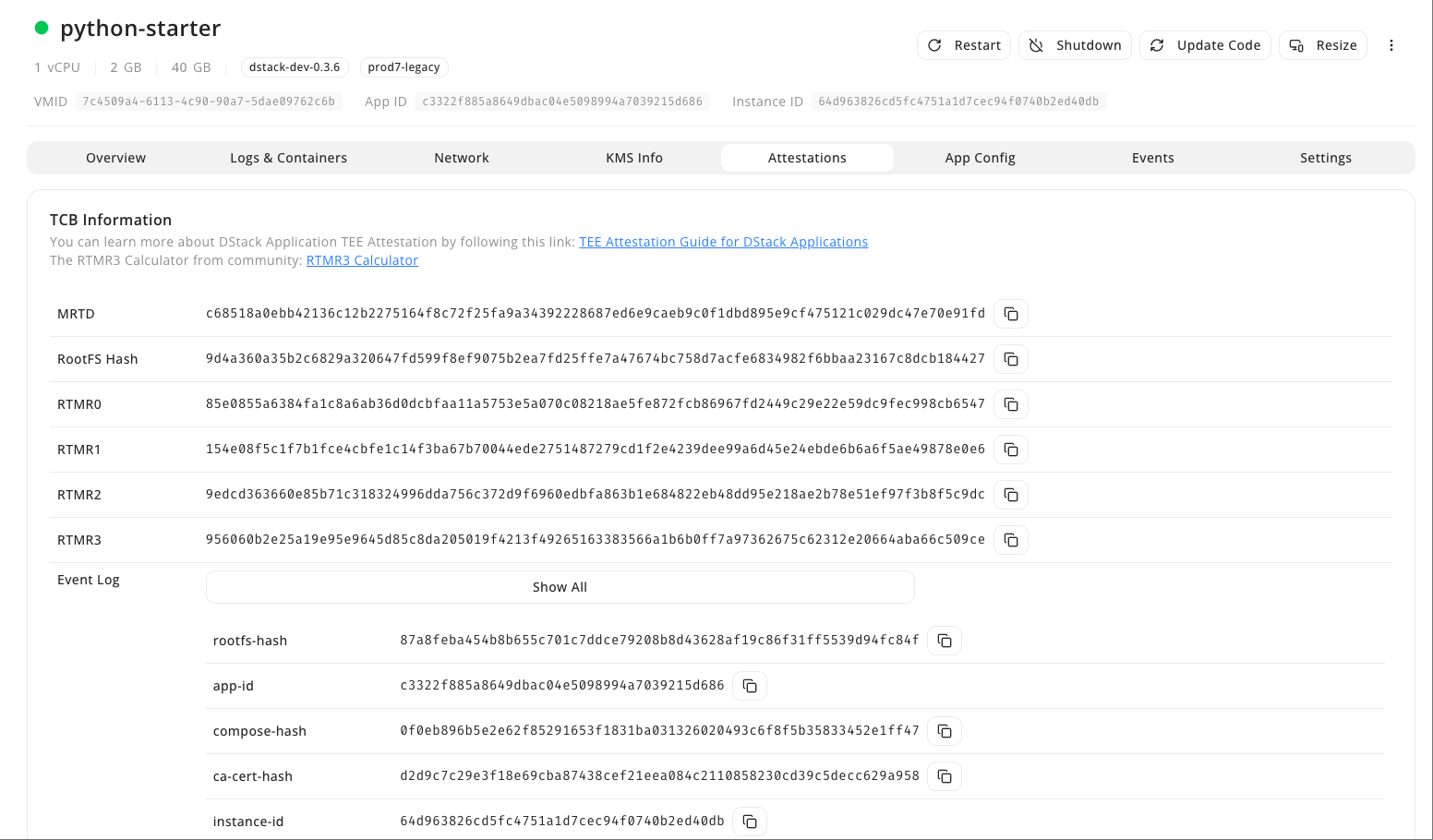
Attestation Report
How to Verify Attestation
Scroll down to the Certificate Chain section and click the Check Attestation button next to App Cert.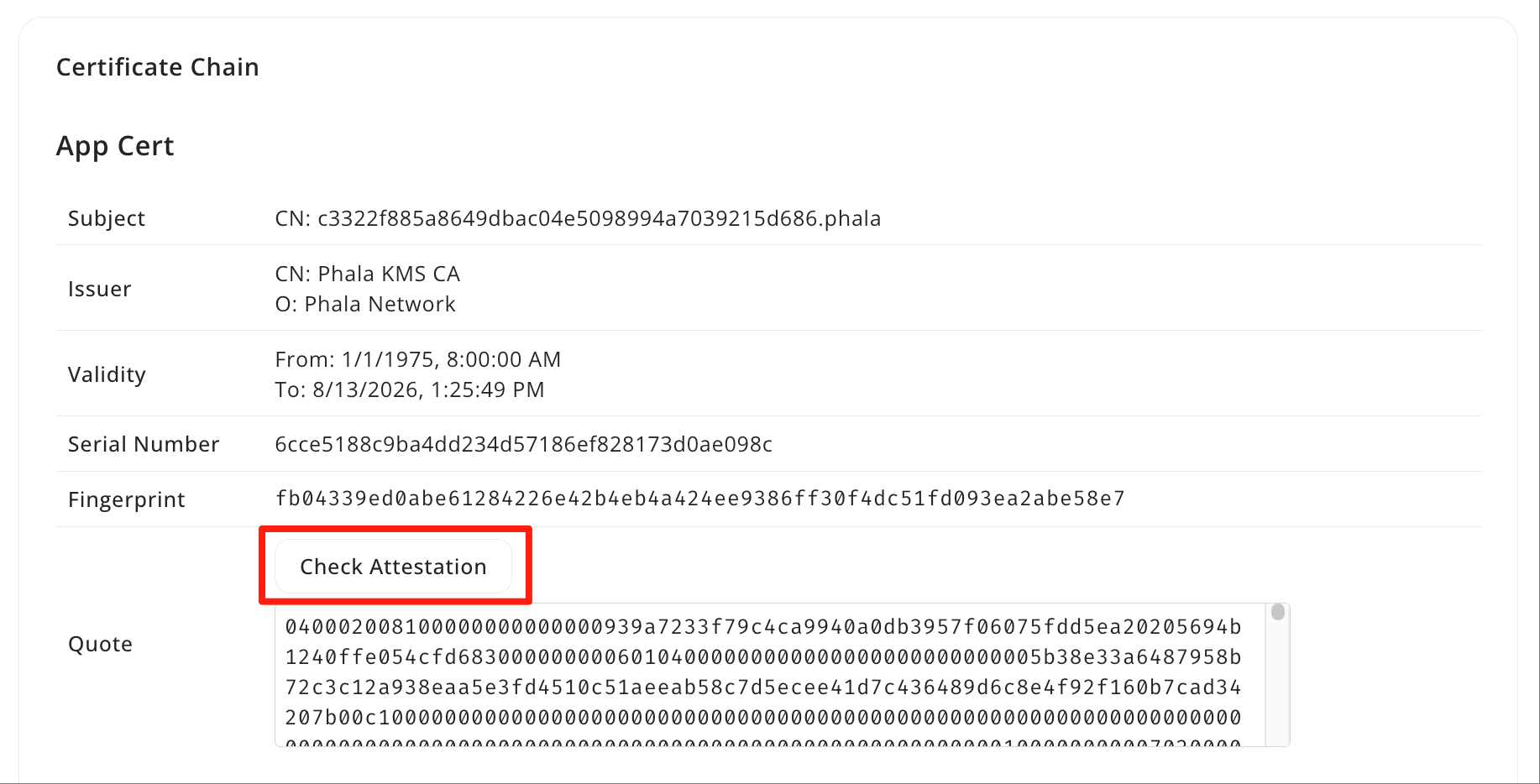
Check Attestation
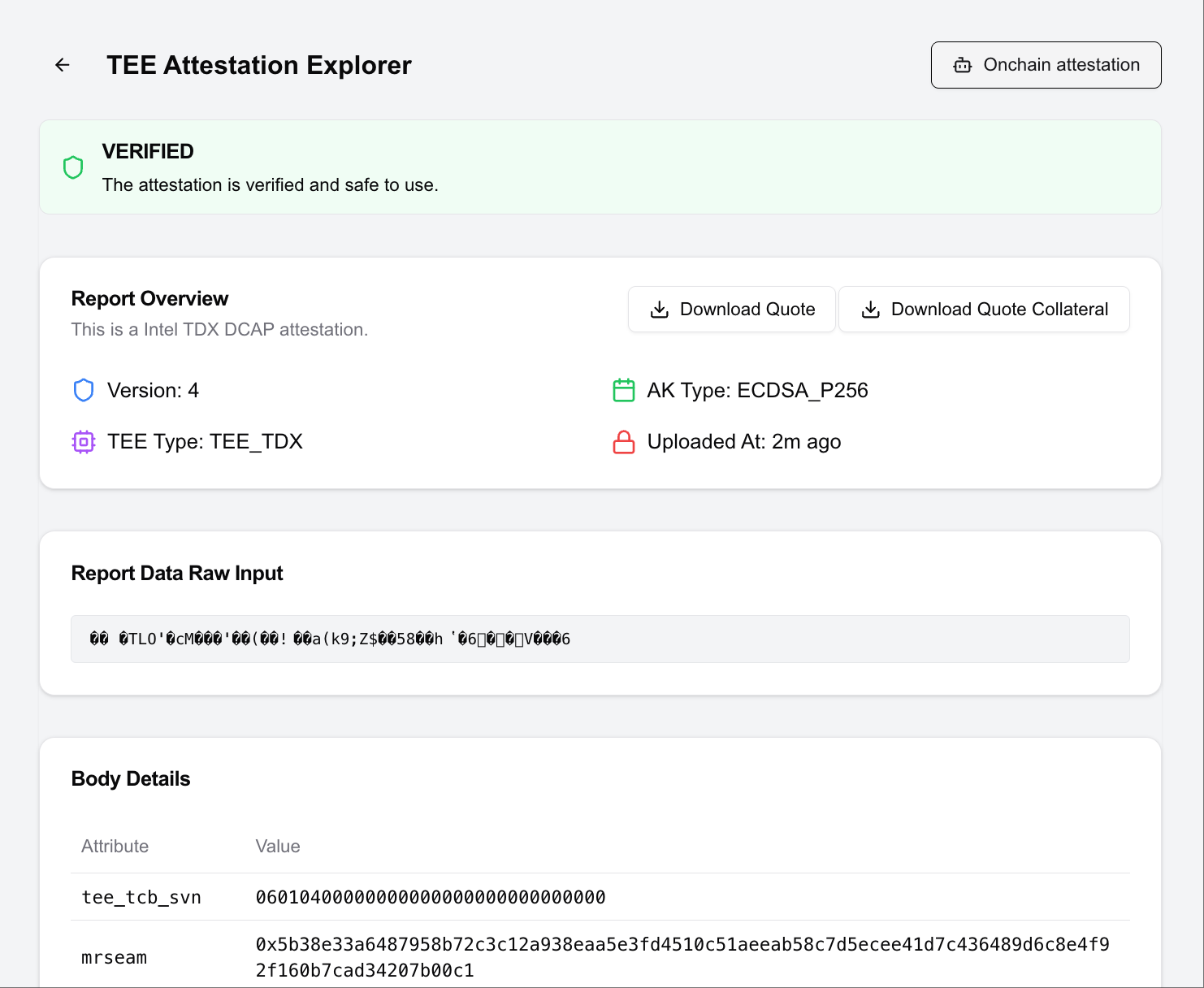
Attestation Verification Report